
Complete these steps in your first week to go from signup to accepting real customer bookings.
Before you start
- TradeField account
- Onboarding completed
Steps
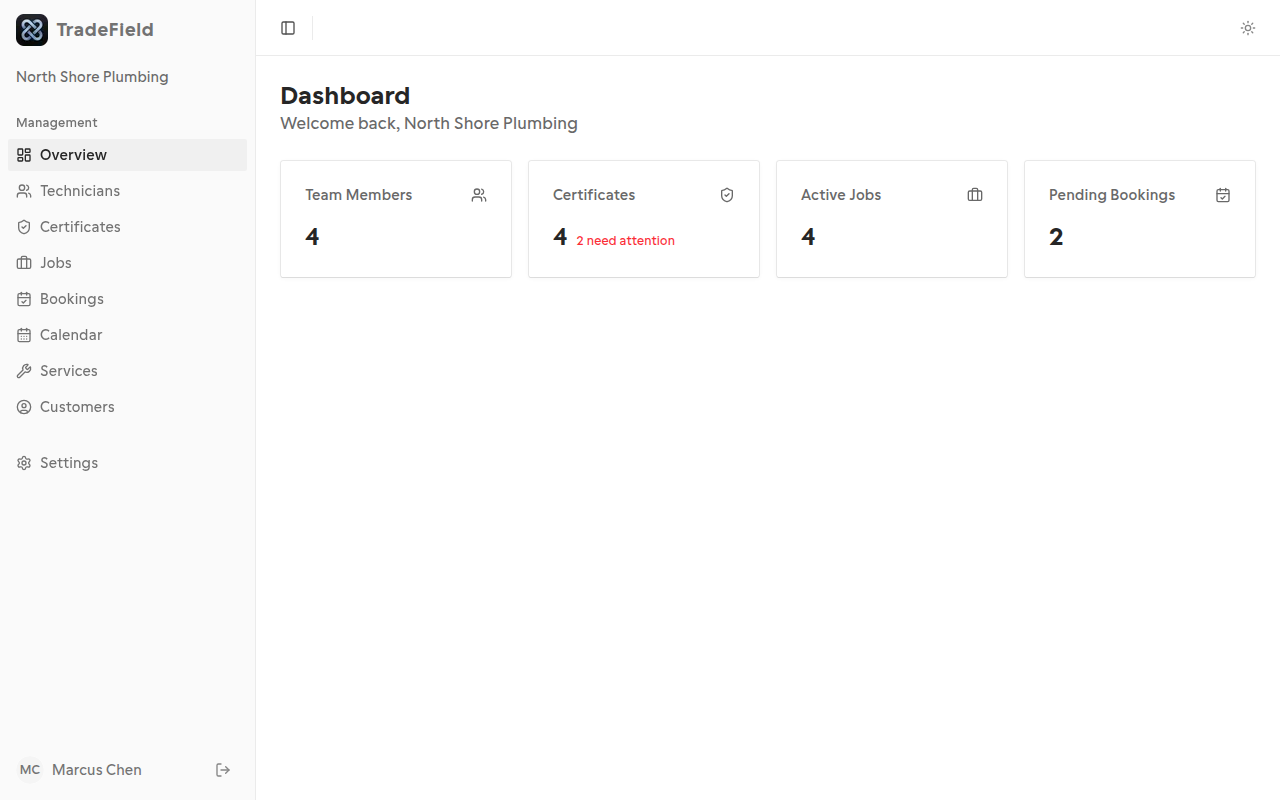
1. Review your dashboard
Open the dashboard home to see team size, certificate alerts, active jobs, and pending bookings at a glance.
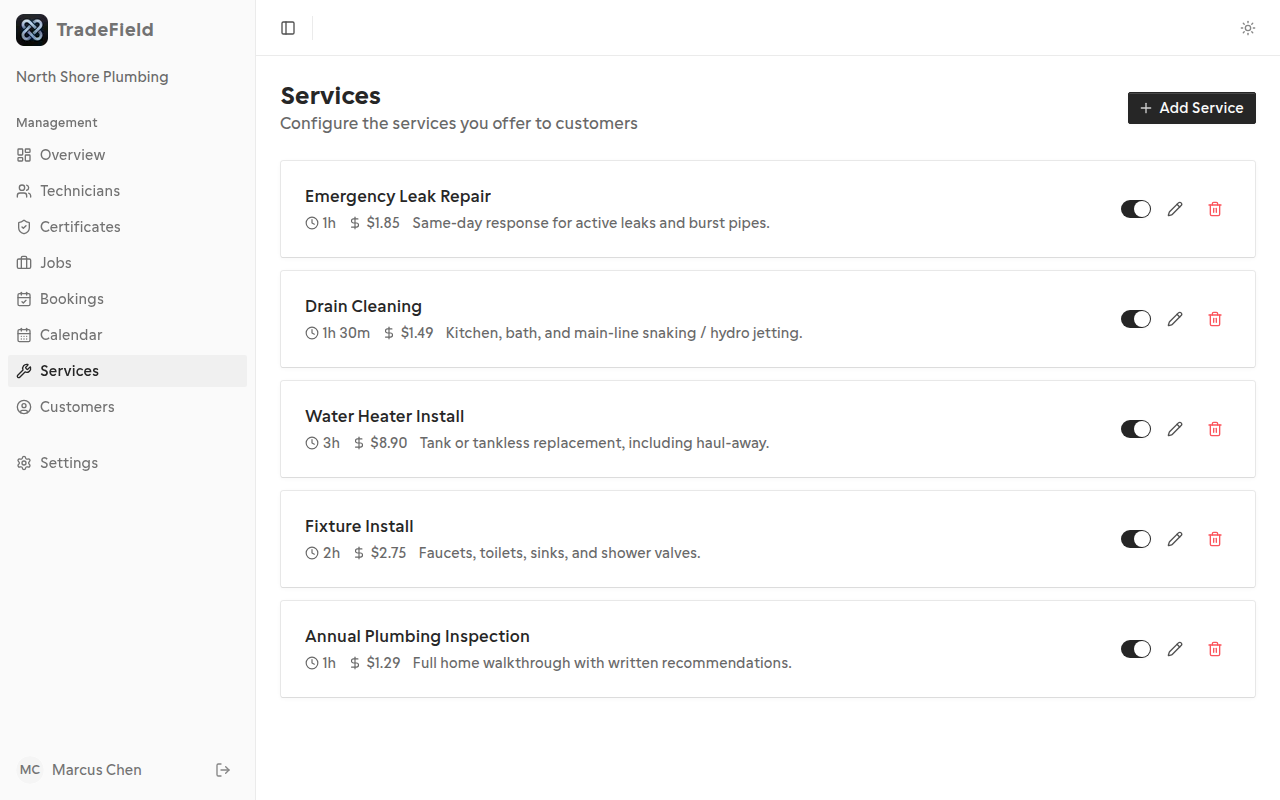
2. Add at least one service
Go to Services and create an offering with a name, duration, and optional price. Only active services appear on your public booking page.
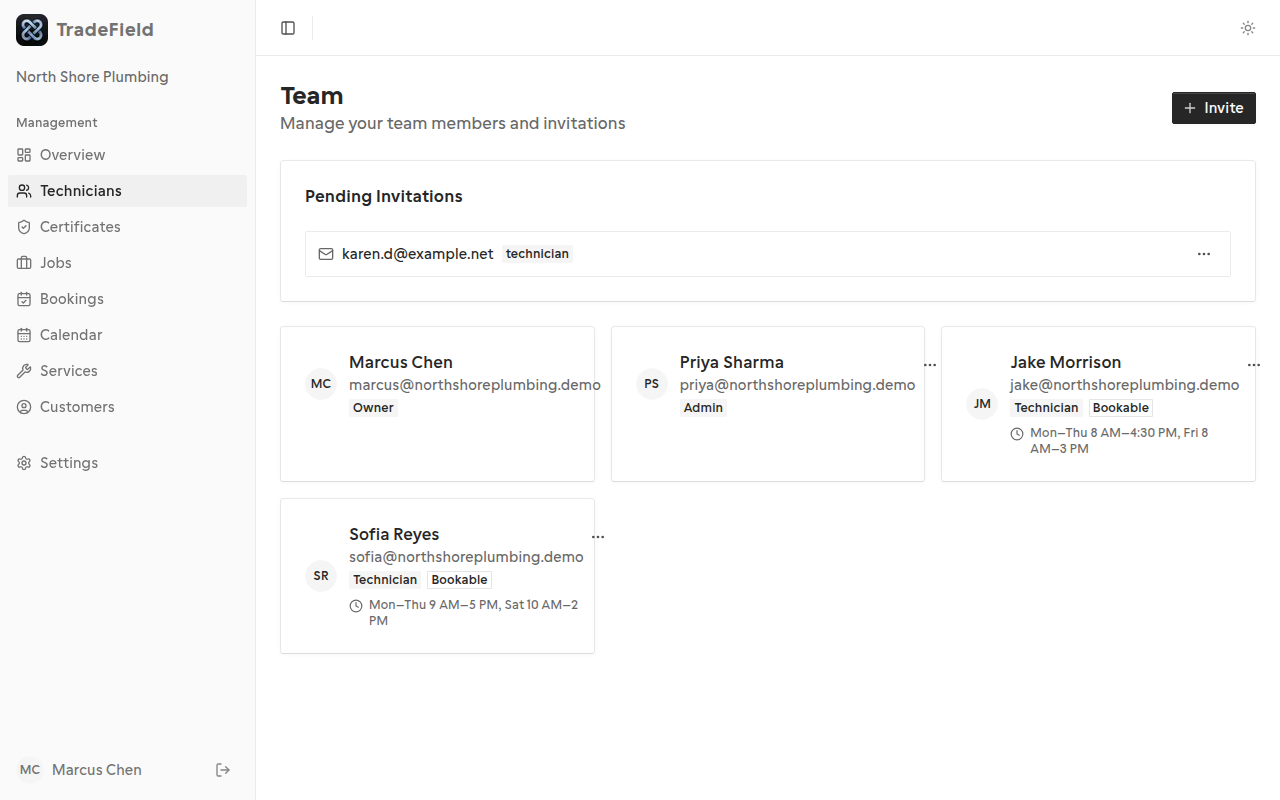
3. Invite your team
From Technicians, send email invites or share your join code from Settings. Technicians need accounts before they can see assigned work.
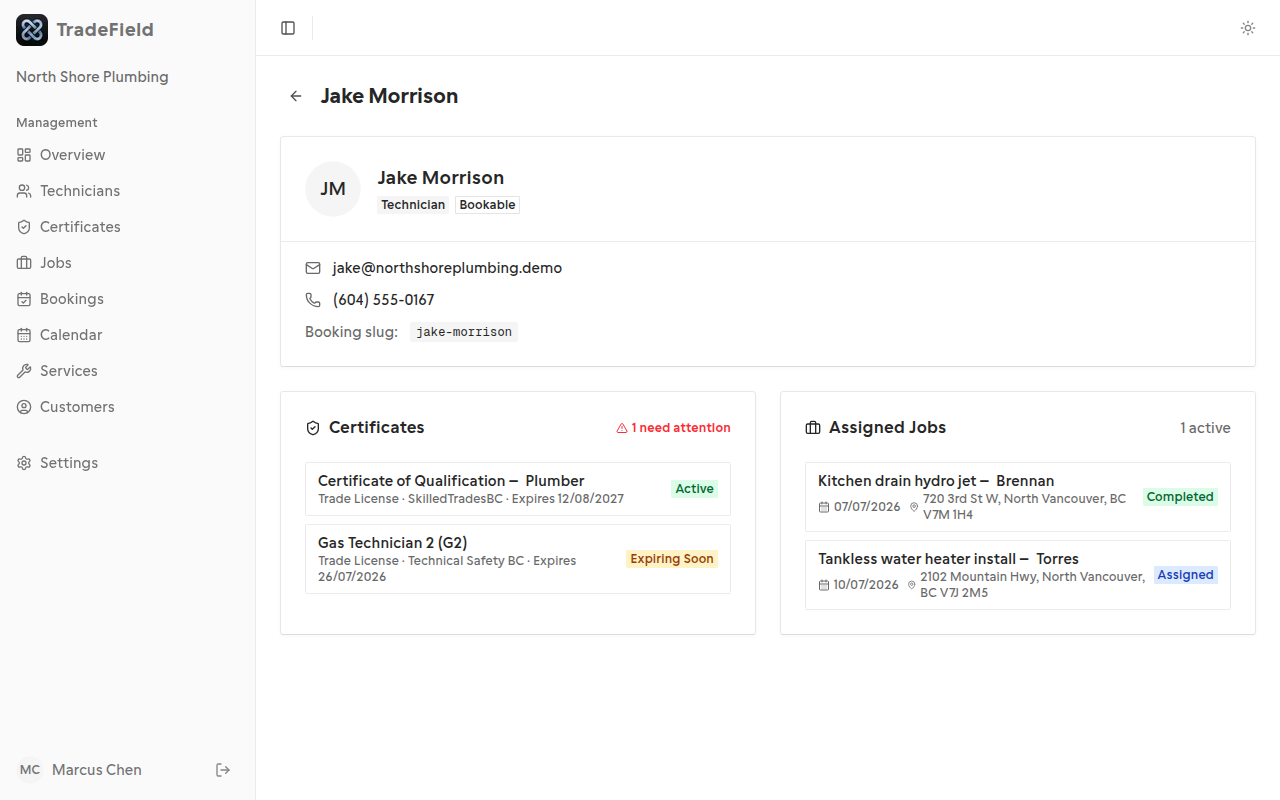
4. Set technician availability
Open a technician's profile from Technicians and edit Working Hours, or use Reset defaults to overwrite their schedule. Without hours, they won't appear as bookable.
5. Test your public booking page
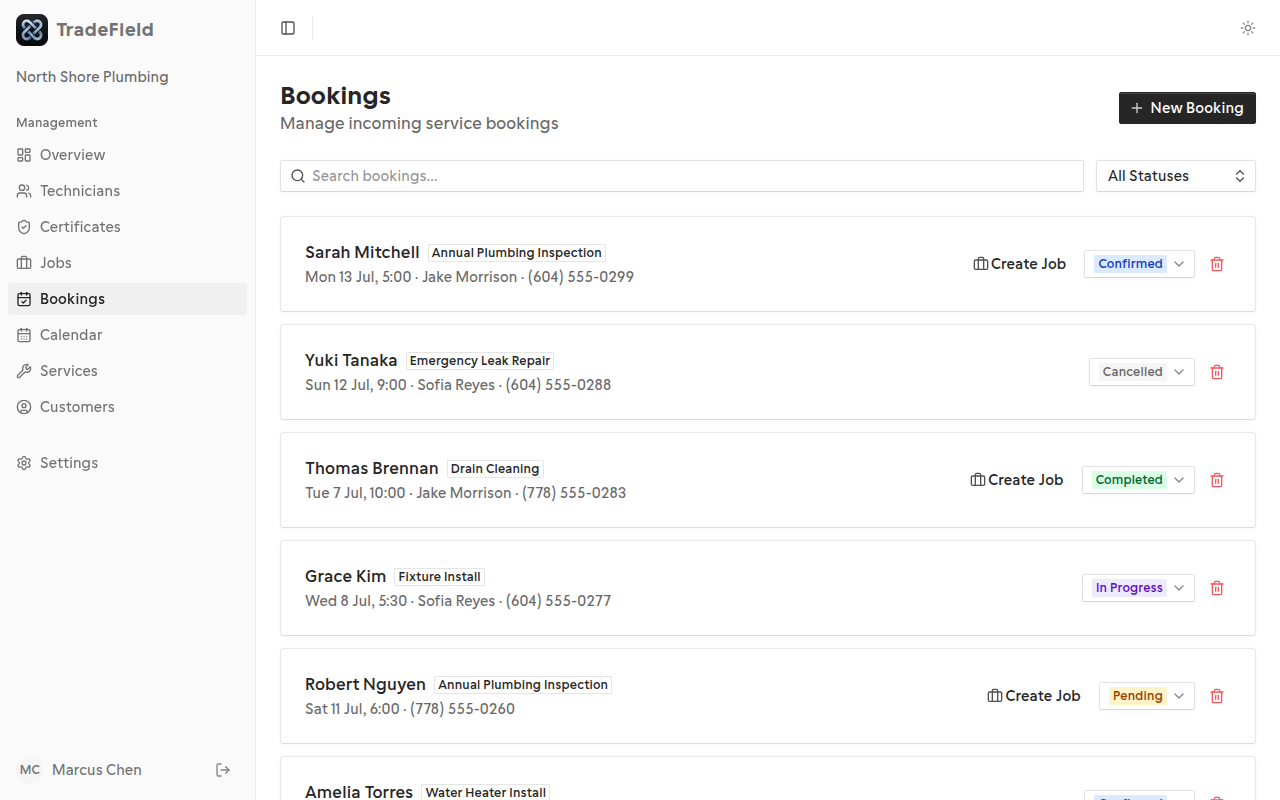
Visit your booking URL (tradefield.app/your-slug/book) and complete a test booking. Confirm it appears under Bookings and on the Calendar.
Tips
- Fill out company email, phone, and address in Settings so customers can reach you.
- Use a test customer email you control to verify confirmation emails.
Related guides
Last updated 2026-07-05. Contact support if you need more help.