
Bookings are customer requests. Review them here before or while work is scheduled.
Steps
1. Open Bookings
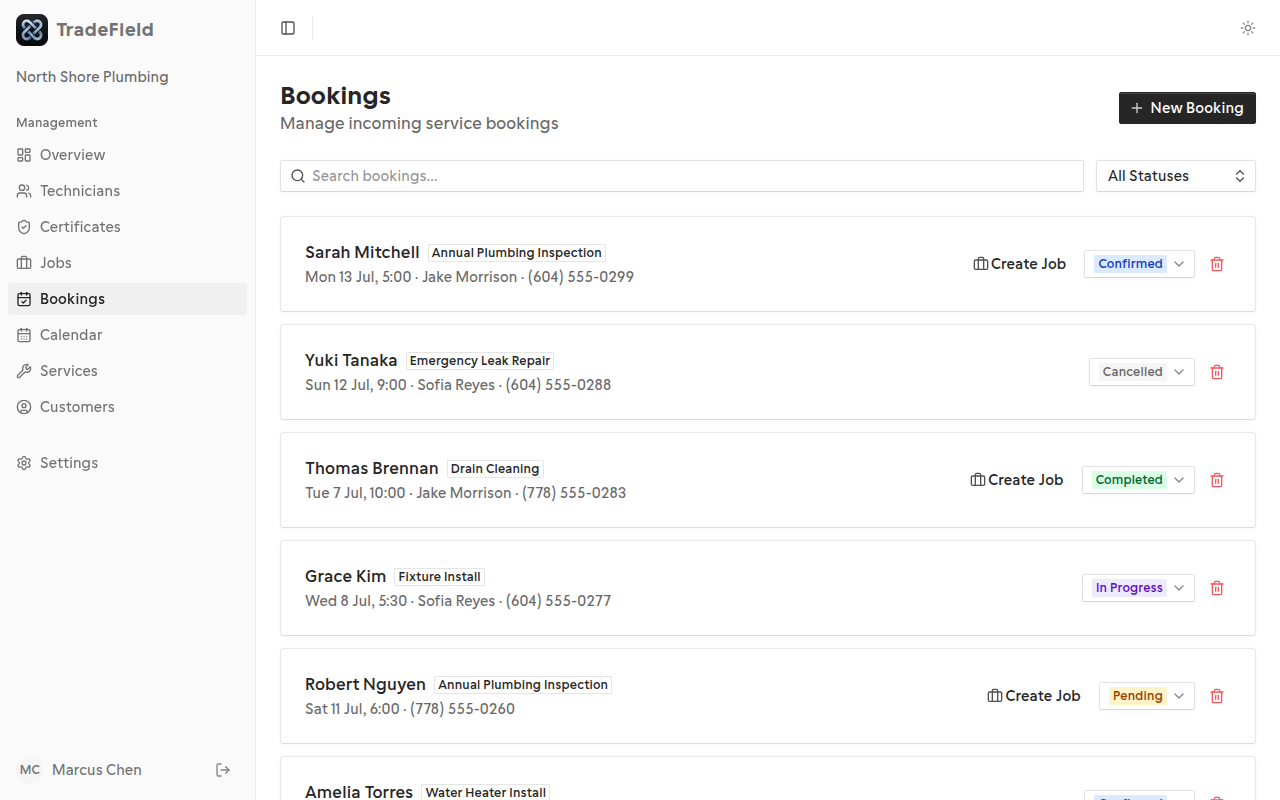
Use the sidebar to go to Bookings. You'll see all requests with status badges.
2. Create a booking manually
Click New booking to select a customer, service, technician, and time. Useful for phone or walk-in requests.
3. Update status
Change a booking to confirmed or cancelled. Confirmed bookings show on the calendar.
Related guides
Last updated 2026-07-05. Contact support if you need more help.