
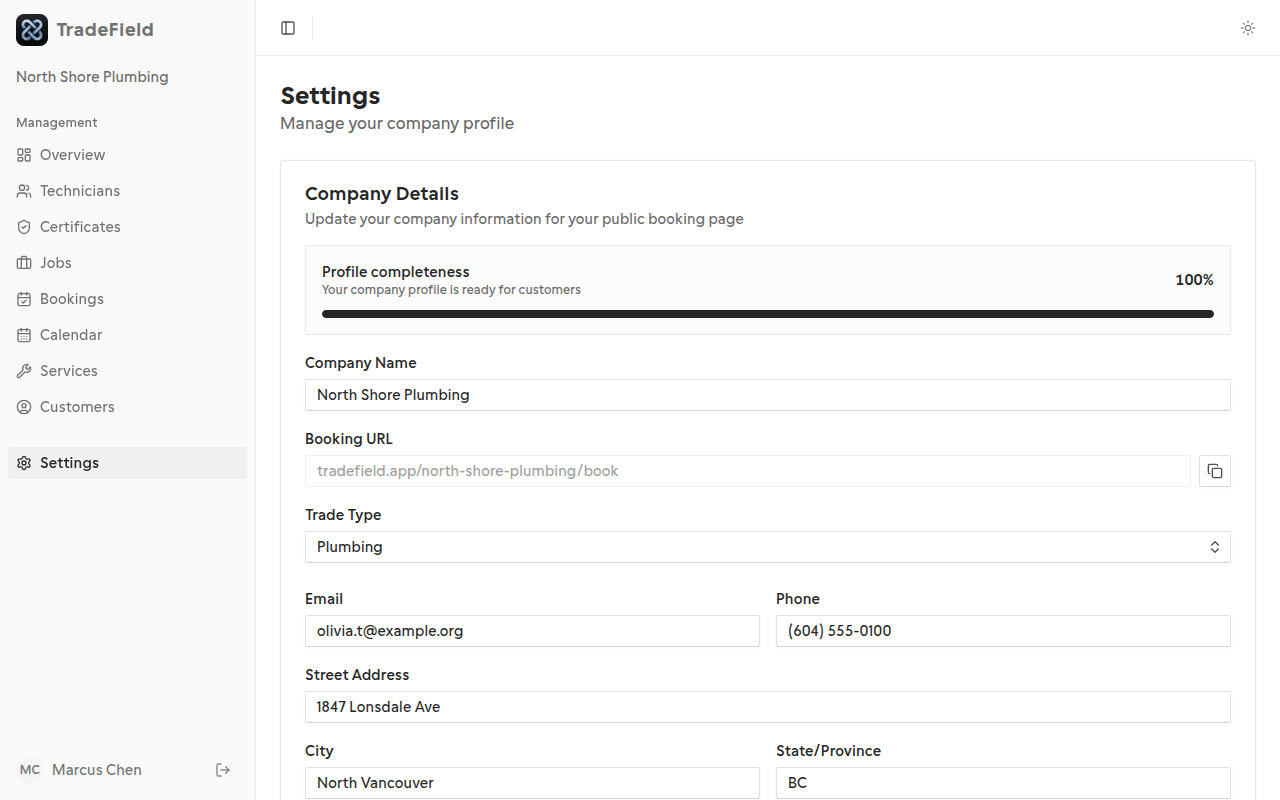
Every company gets a public URL based on the slug you chose during onboarding.
Before you start
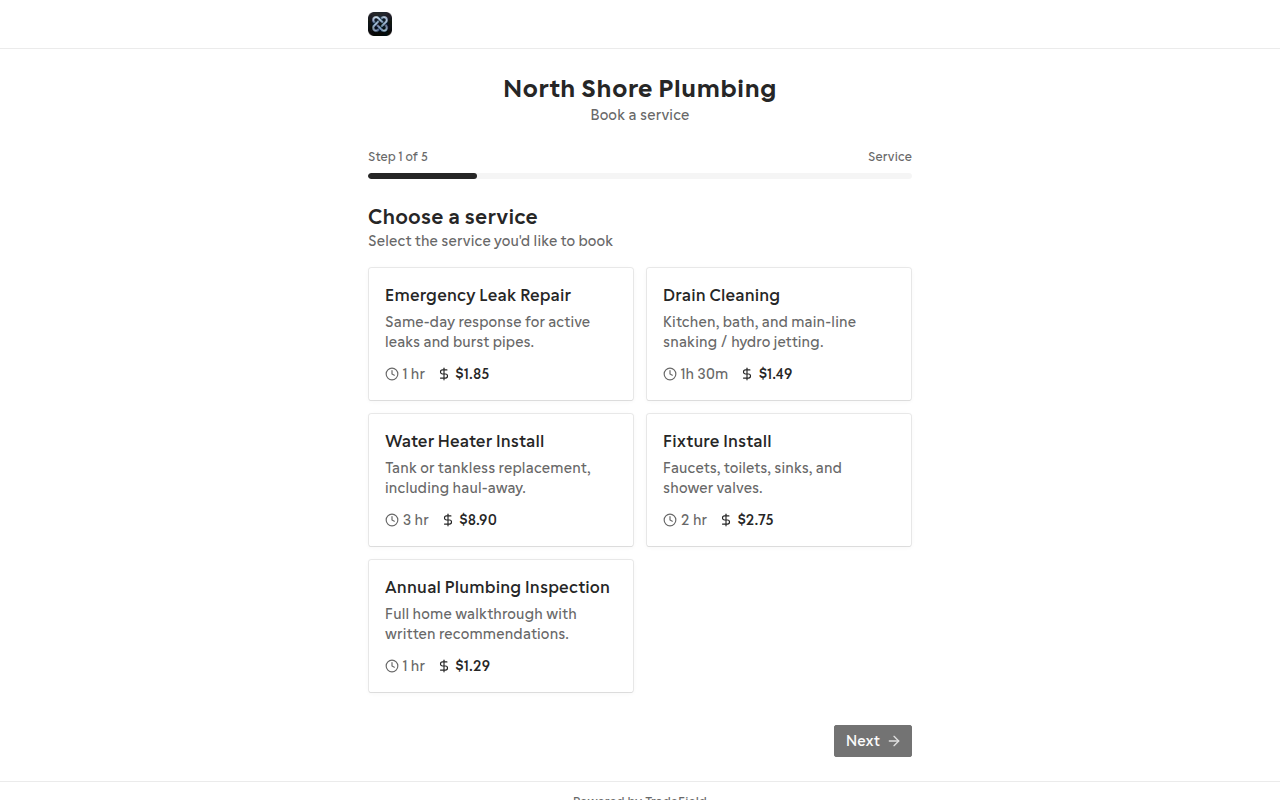
- At least one active service
- Technician availability configured
Steps
1. Find your booking URL
Your URL format is tradefield.app/your-slug/book. You can also link to a specific technician at tradefield.app/your-slug/tech-slug/book.
2. Ensure services are active
Only active services appear on the public page. Set duration correctly—it controls available time slots.
3. Test the flow
Complete a test booking in an incognito window. Verify it appears under Bookings and on the Calendar.
Related guides
Last updated 2026-07-05. Contact support if you need more help.