
Technicians need an account and active membership to see assigned work in the tech portal.
Steps
1. Open Technicians
View your team list, roles, and bookable status.
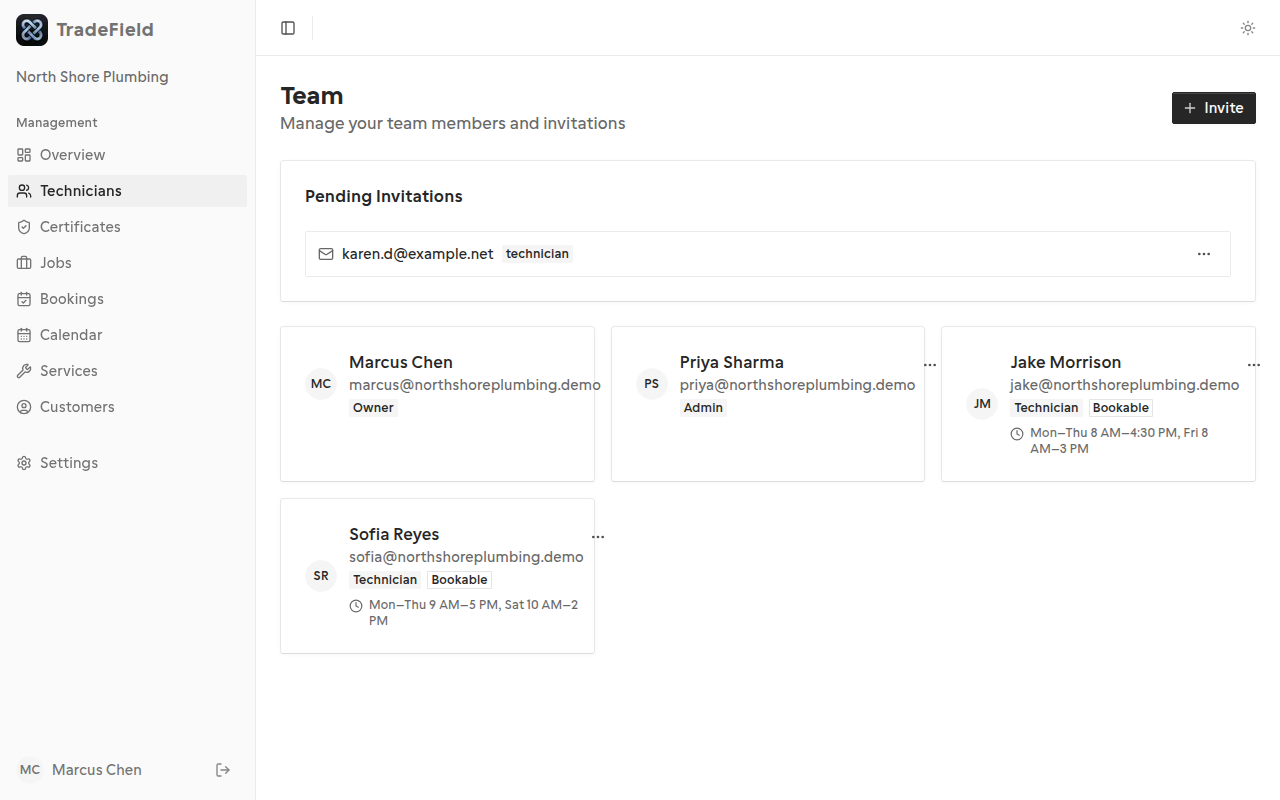
2. Send an email invite
Enter the technician's email and role. They receive a link valid for 7 days.
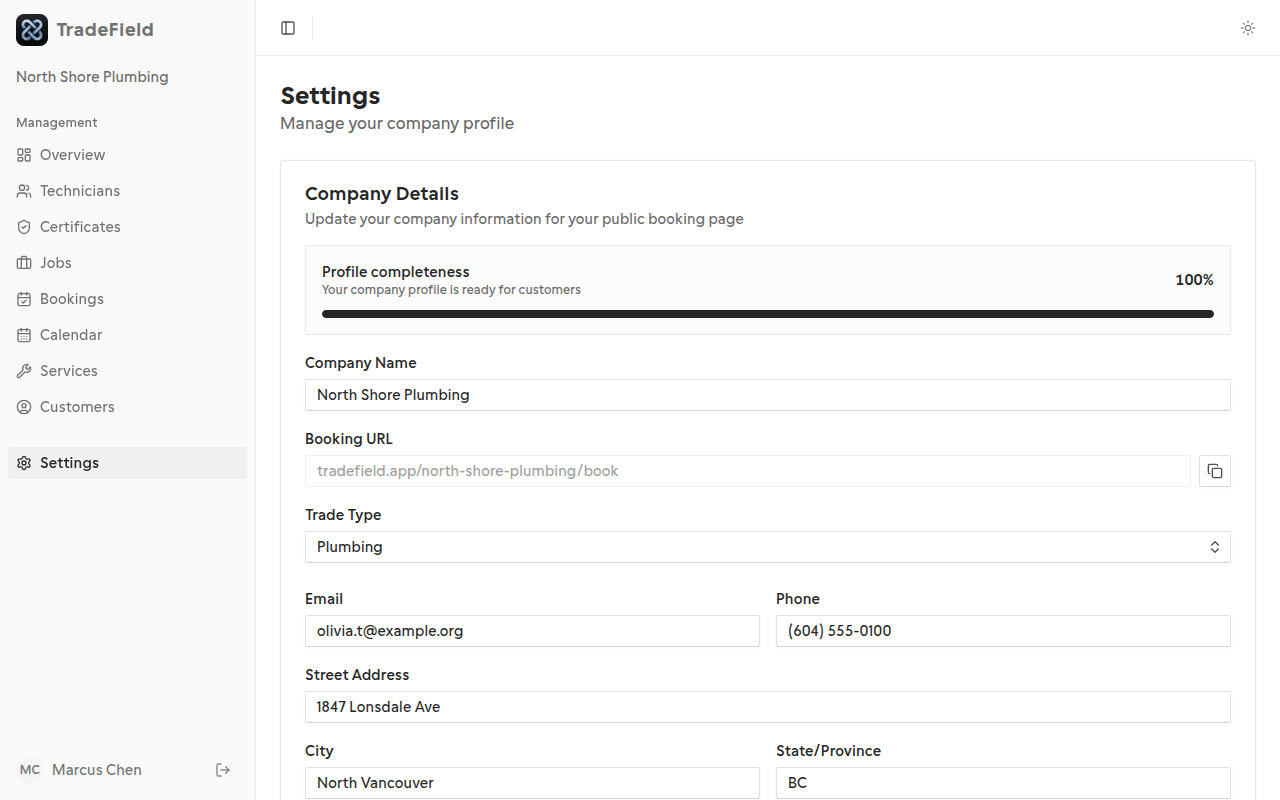
3. Or share a join code
Enable and copy your join code from Settings. Technicians can enter it on the join-company page.
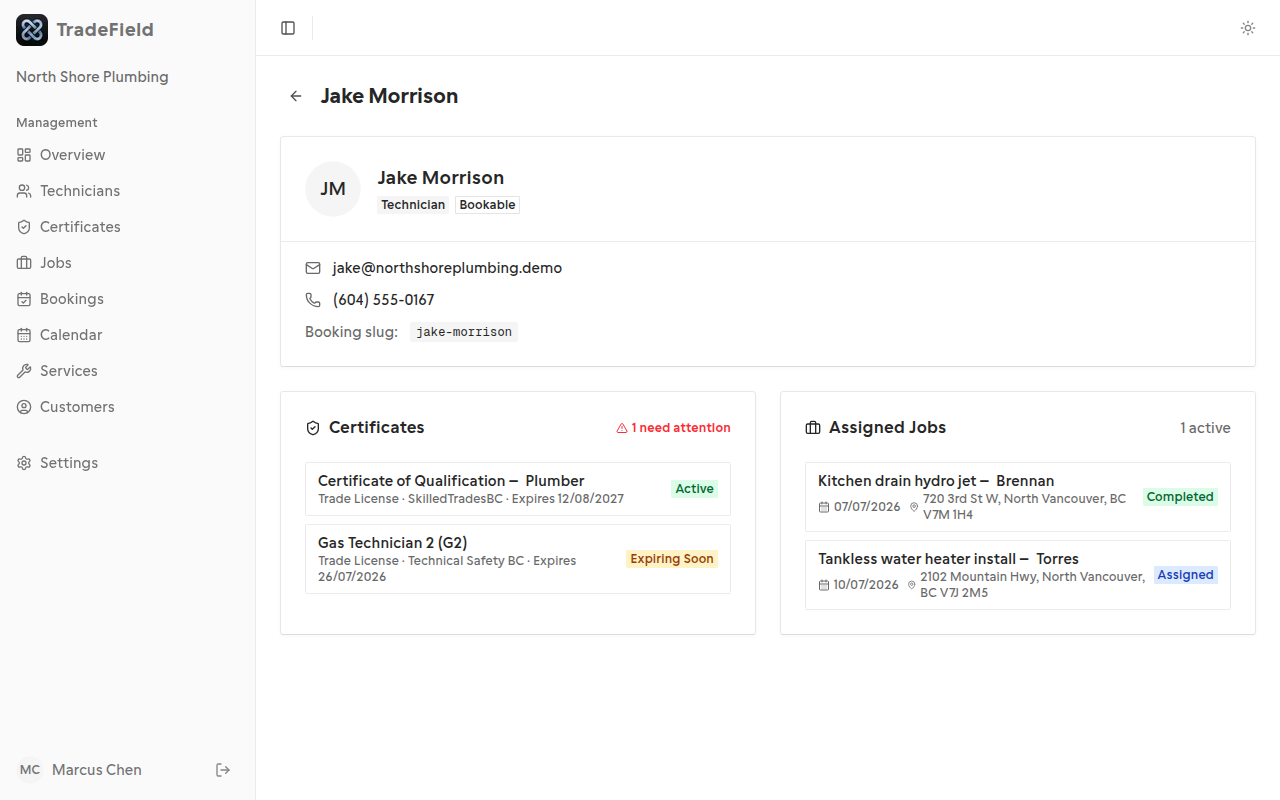
4. Configure availability
Open a technician from Technicians to edit weekly hours day by day, or Reset defaults to overwrite with Mon–Fri 9–5. Technicians without hours won't receive bookings.
Related guides
Last updated 2026-07-05. Contact support if you need more help.