
Owners and admins send invites by email. Invites expire after 7 days.
Steps
1. Open the invite link
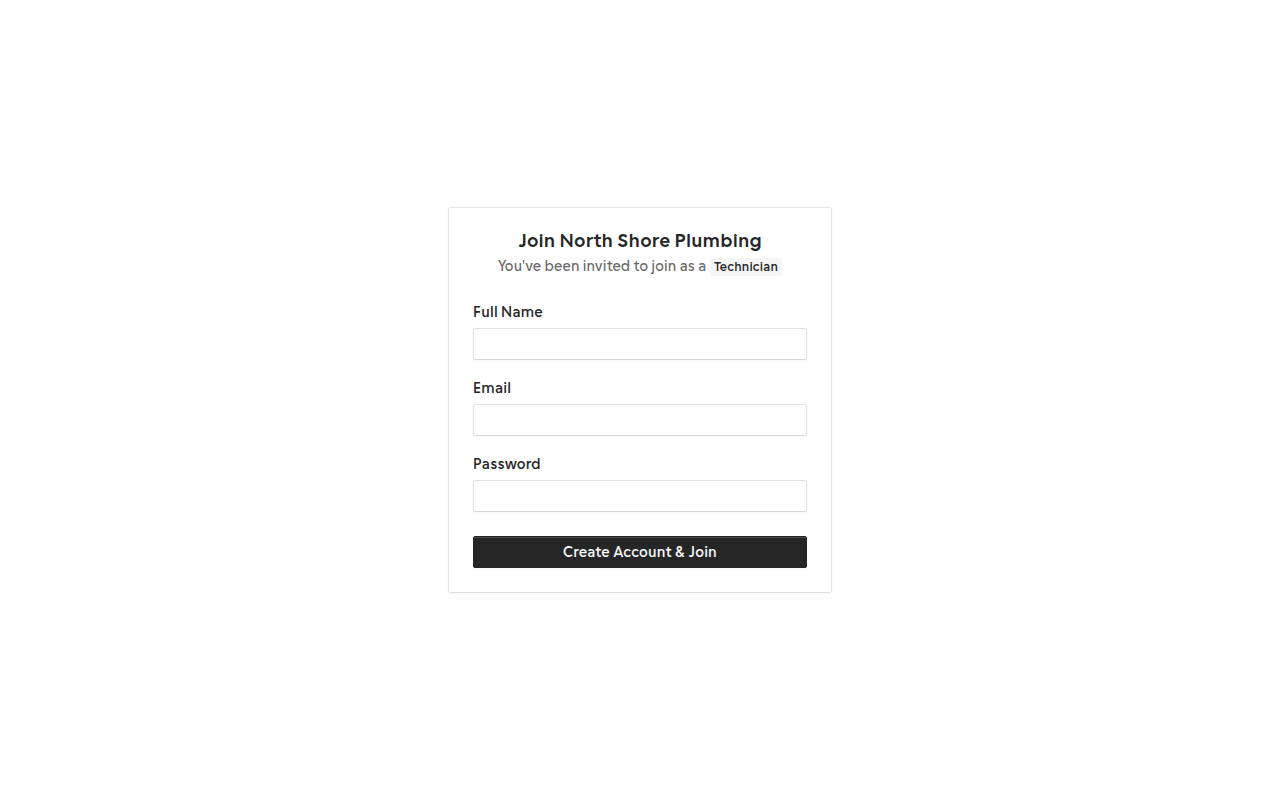
Click the link in your invite email. It opens the invite acceptance page.
2. Sign in or sign up
If you're not logged in, sign in with the invited email or create a new account using that same email.
3. Accept the invite
Confirm to join the company. Technicians are redirected to the tech portal; admins go to the dashboard.
Related guides
Last updated 2026-07-05. Contact support if you need more help.