
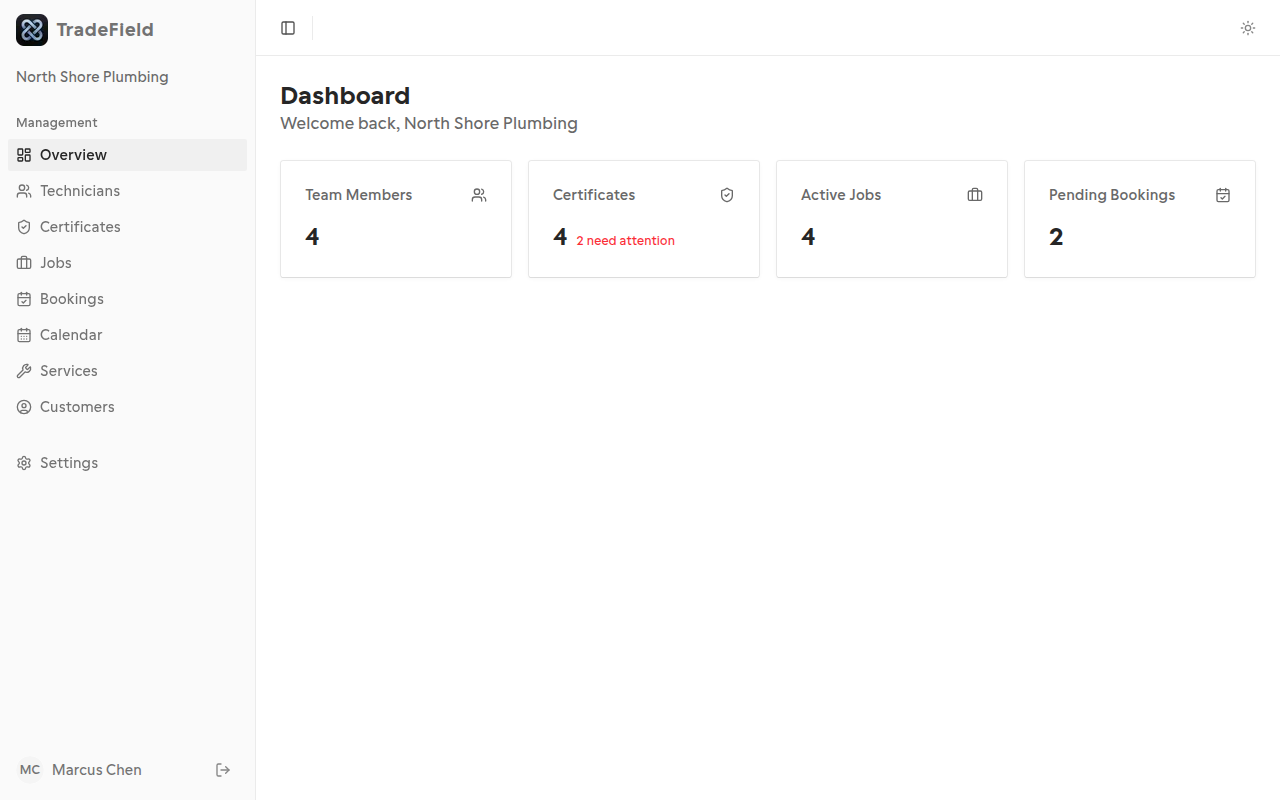
The dashboard home gives you a quick health check of your business. Each tile links to the relevant page.
Steps
1. Open the dashboard
After signing in as an owner or admin, you'll land on the dashboard home.
2. Read the stat cards
Team Members shows your active crew. Certificates highlights compliance issues. Active Jobs counts open work. Pending Bookings shows requests needing attention.
3. Click a card to drill down
Each stat card is clickable and takes you to the detailed list for that area.
Related guides
Last updated 2026-07-05. Contact support if you need more help.