TradeFieldTradeField
Help centerHome
  1. Help
  2. /Account & access
  3. /Create a TradeField account

Create a TradeField account

Sign up with email and password, then complete onboarding to set up your company or solo profile.

Account & accessEveryone3 min

New users start with a free account. After signup you'll complete a short onboarding wizard.

Steps

1. Open the sign-up page

From the TradeField home page, click Create account.
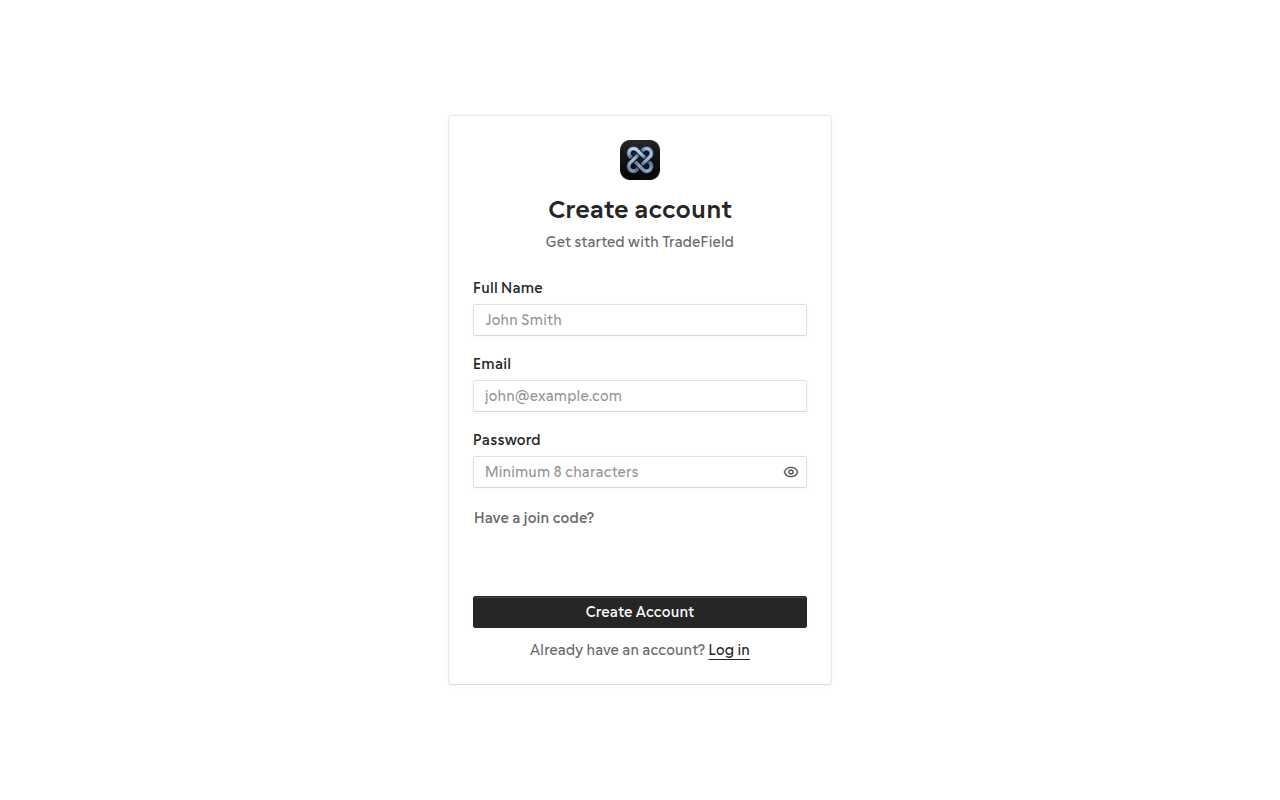
TradeField sign up form with email and password fields

2. Enter your details

Provide your email and a secure password. You'll use this email to sign in and receive notifications.

3. Complete onboarding

Choose individual or company, select your trade, set your location, and pick a booking URL slug. Company owners can invite team members later from the dashboard.
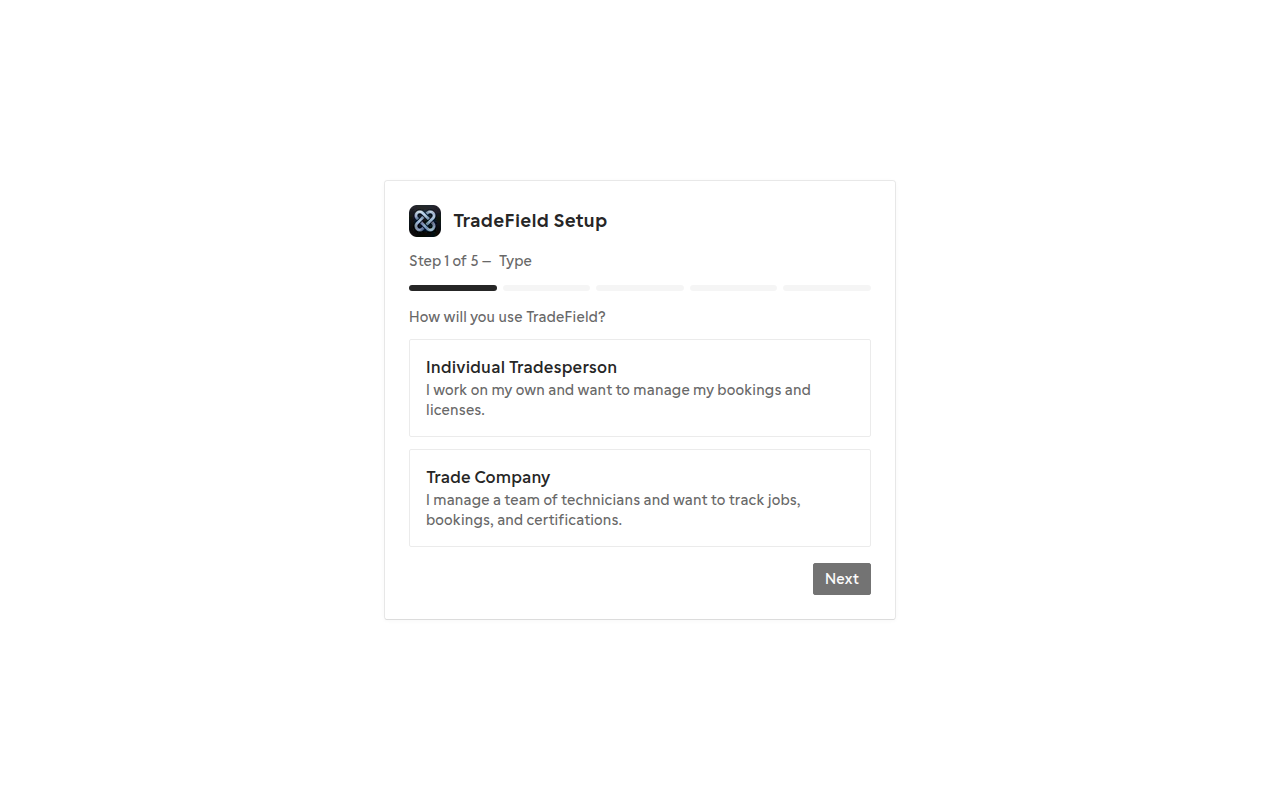
TradeField onboarding wizard showing company type selection

Related guides

  • Your first week with TradeField

Last updated 2026-07-05. Contact support if you need more help.

Help centerSupportPrivacyTerms

© 2026 TradeField. All rights reserved.