
Tasks are checklist items on jobs. Completing them keeps owners updated and helps you track what's left on site.
Steps
1. Open Tasks
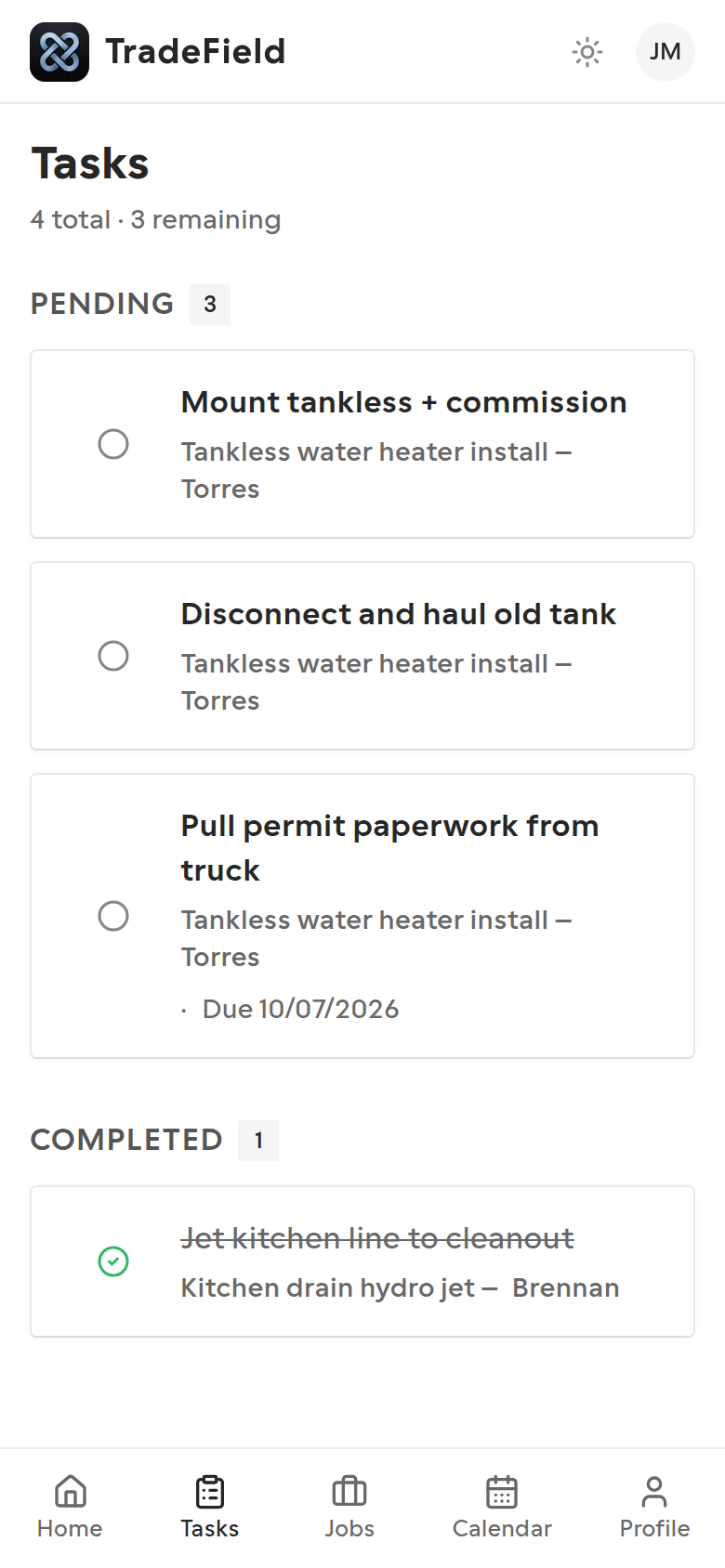
Tap Tasks in the nav to see everything assigned to you, grouped by status.
2. Mark a task complete
Tap the circle next to a task to toggle it between pending and completed. Changes sync to the company dashboard.
3. Remove tasks you created
If you added a task yourself on a job, you can delete it. Tasks created by the office stay for them to manage.
Tips
- Prefer updating status on the job detail screen when you're already working that job — same toggle, less jumping around.
Related guides
Last updated 2026-07-08. Contact support if you need more help.