
If you can't sign in, request a one-time code sent to your account email.
Steps
1. Click Forgot password
On the sign-in page, select Forgot password.
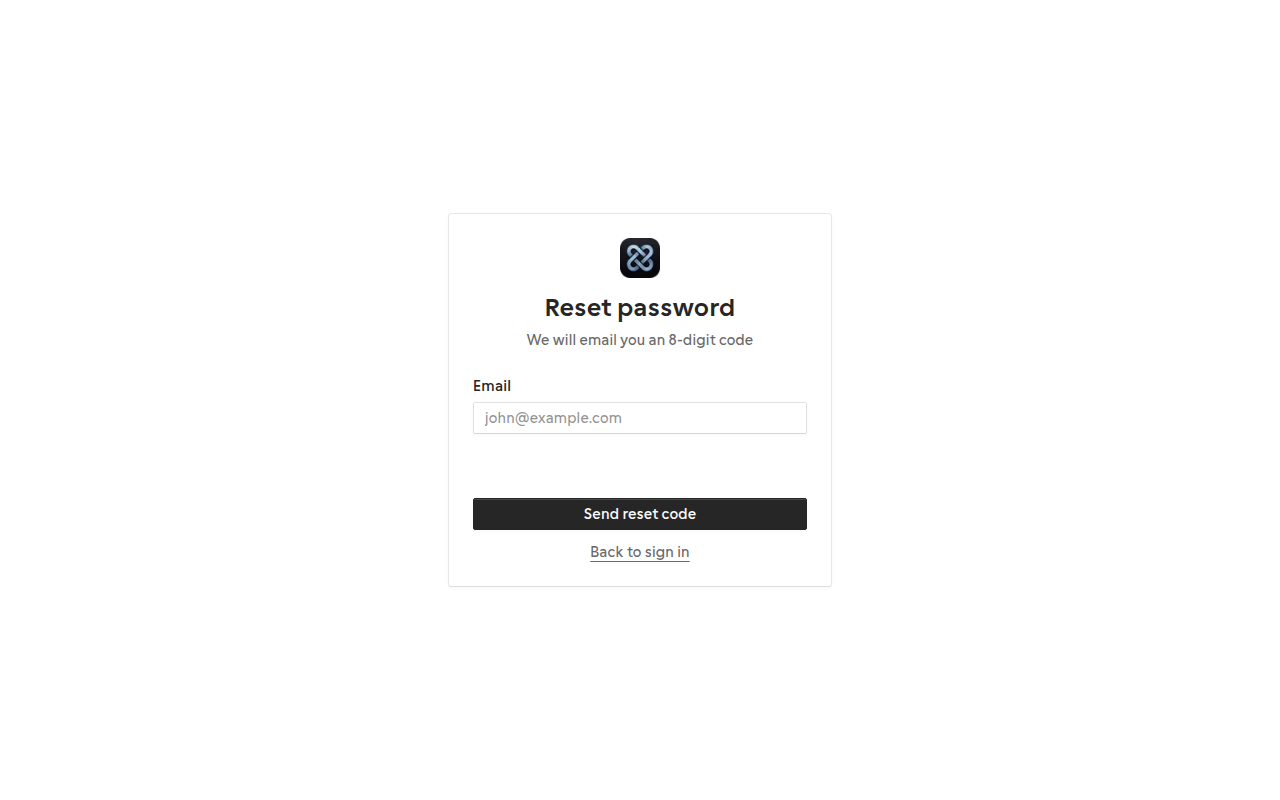
2. Enter your email
Submit the email associated with your account. Check your inbox for a reset code.
3. Set a new password
Enter the code and your new password, then sign in with the updated credentials.
Related guides
Last updated 2026-07-05. Contact support if you need more help.